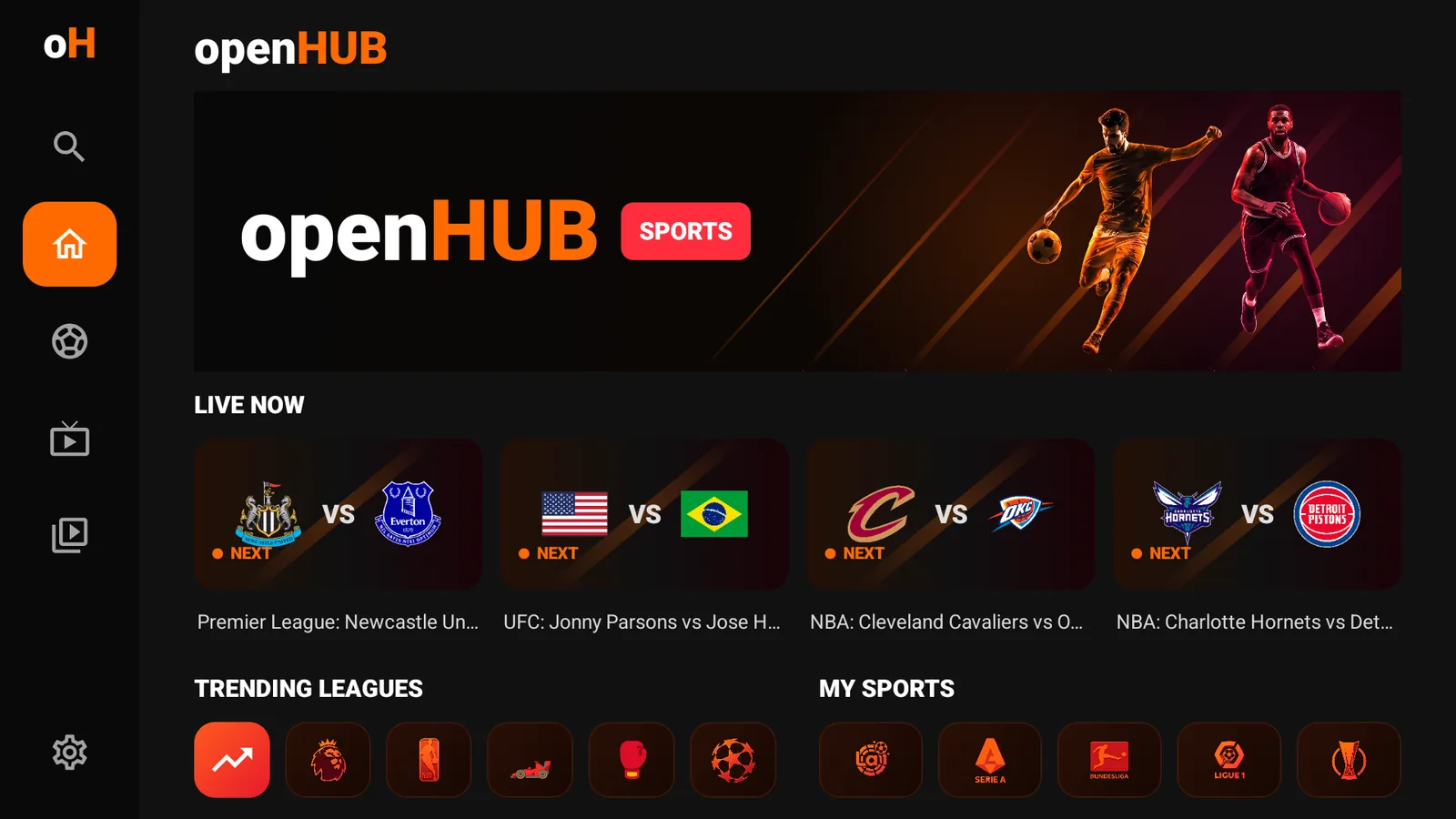
Live board that keeps up
Real schedules, live scores, results, team logos and broadcasts. Six sports, refreshed every 120 seconds.
ESPN + SofaScoreAndroid TV · Fire TV · Android 8+
openHUB tracks the fixtures you actually care about, finds the channel carrying the game in your own playlist, and plays it. Built for the couch and the remote.
v1.10.1 · 17 MB · Free · No account, no ads, no channels included.
Schedules, TV listings and channel matching in one flow. No second screen, no searching a 37,000-channel list by hand.
Real schedules, live scores, results, team logos and broadcasts. Six sports, refreshed every 120 seconds.
ESPN + SofaScoreOpening an event lists every playable feed in your line as its own row, labelled by source. One click, no digging.
SofaScore + Rezultati.comPer-match TV listings by country. Croatian, Serbian, Bosnian and Slovenian feeds come first when your line carries them — then your locale.
Country-aware matchingA real XMLTV guide on a four-hour timeline with a now line, group sidebar and a muted preview that never starts a second stream.
EPG · 6-hour cacheMedia3 ExoPlayer with a fullscreen HUD: ±10 s, go live, quality, speed, aspect ratio and dedicated Feeds, Audio and Subtitles tabs.
HLS · DASH · RTSP · RTMPA visible focus ring on every control, deterministic focus order, and a Back button that does exactly one thing at a time.
10-foot UIStreamed parsing, cached guides, small logos and one player only. The 13 MB Xtream JSON never becomes a tree in memory.
~118–131 MB PSSM3U/M3U8 links and Xtream Codes. Your playlist stays on the device — no account, no cloud sync, no telemetry.
On-device only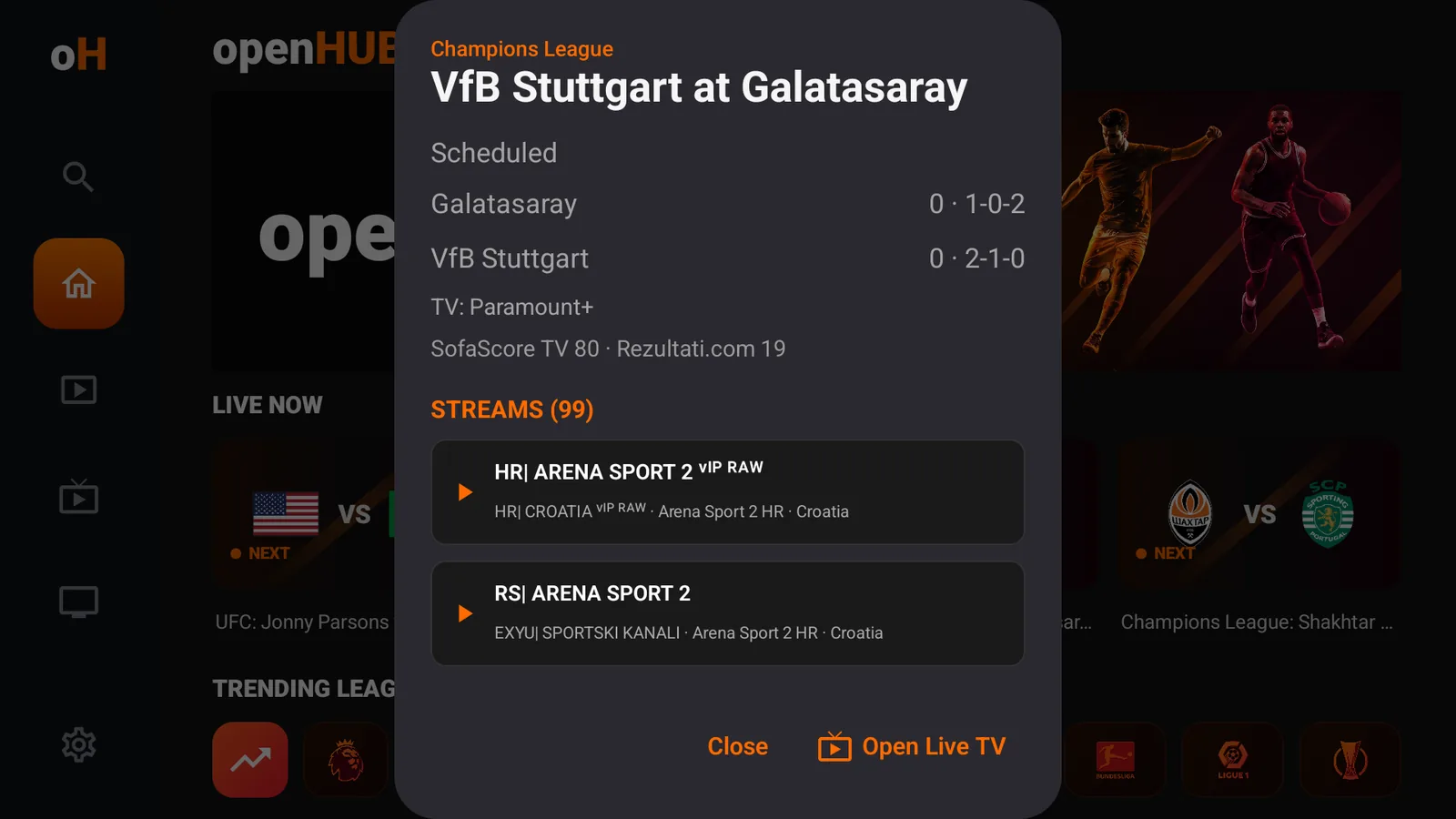
openHUB reads per-match broadcaster listings, then scores each name against the channels in your line. Every match is one tap away from playback.
Verified with a 37,624-channel line
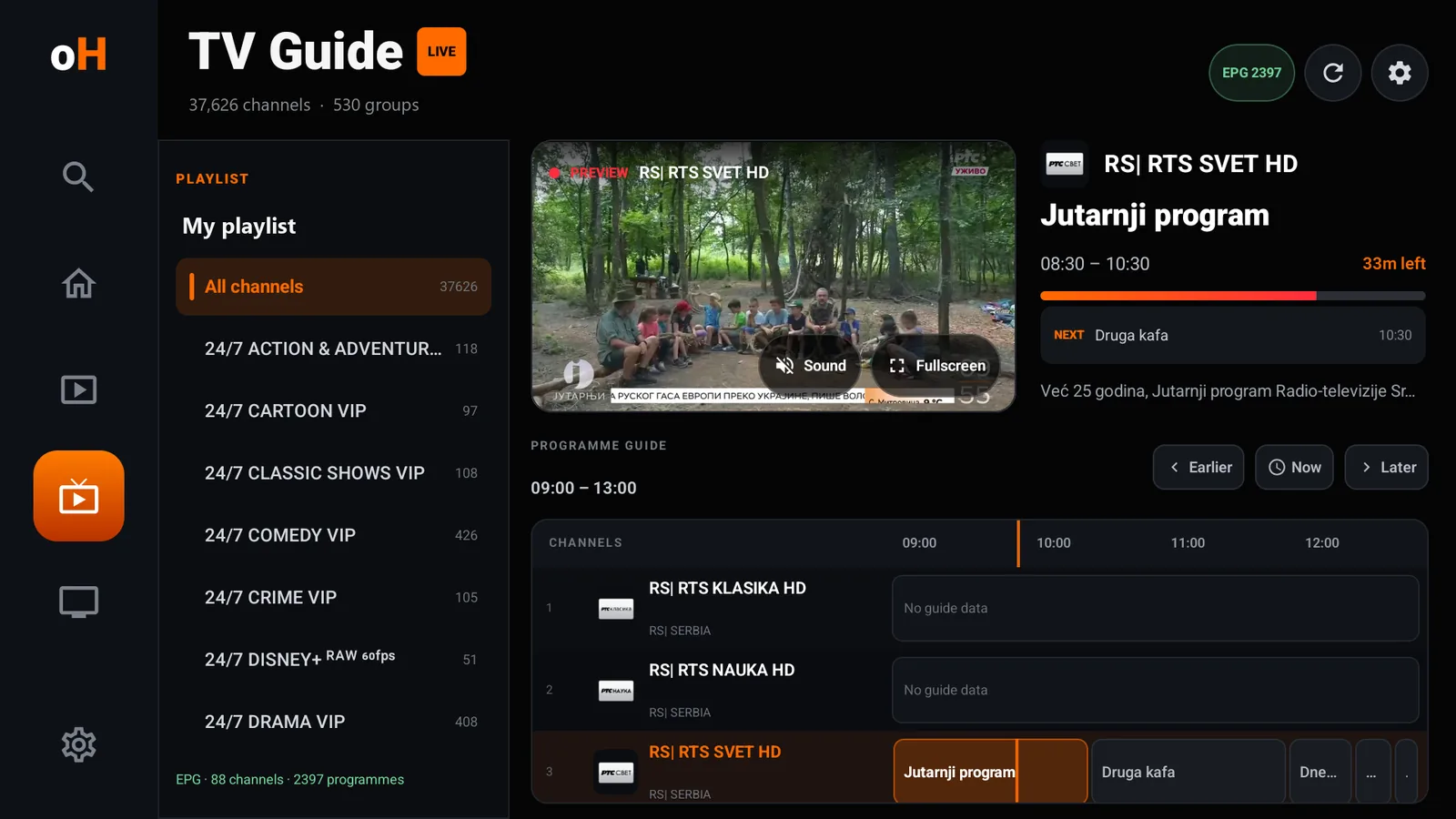
Your playlist's original groups stay in a dark sidebar. The grid gives you four hours of real programme data, a now line and Earlier / Now / Later.
88 channels · 2,397 programmes from a public guide
Ten-foot type, an orange focus ring and a layout that never makes you squint. Tap any screen to enlarge it.
openHUB does not sell or bundle channels. It plays the line you already have.
Sideload on an Android TV, Google TV or Fire TV box, or install it on your phone. Android 8.0 and newer.
Paste an M3U/M3U8 URL, or the host, username and password of an Xtream Codes account. It is stored on the device.
Open Sports, tap the fixture and choose a feed. openHUB has already matched the broadcasters to your channels.
One build for ARM TVs, Fire TV sticks and Android phones. No Play Store account, no sign-in, no companion app.
SHA-256
1dfc17ee9138ea7b232b4eda4e1d3d2eb0753d9687fa4c40fe5499eba96dd93

openhub-tv.pages.dev/get.No keyboard? Install Send Files to TV on the TV and your phone, then push the APK from the phone. Both apps are on the Play Store.
openhub-tv.pages.dev/get.A 2016 second-gen stick on Fire OS 5 is not supported: openHUB needs Android 9. The Fire TV home screen needs no extra launcher.
The phone layout is the same app: bottom navigation instead of the TV rail, and the same player, guide and matching.
Yes. openHUB ships with no channels, streams or subscriptions. It is a player for an M3U/M3U8 playlist or Xtream Codes account that you are authorized to use.
Yes. The APK is free to download and there are no ads, accounts or in-app purchases. Your IPTV provider is separate.
openHUB is distributed directly as a TV-first sideload build. That keeps the release cycle short and avoids store policy around user-supplied IPTV lines.
Android TV and Google TV devices, Fire TV with Fire OS 7 (Android 9) or newer, and Android 8.0+ phones and tablets. The APK contains ARM 32-bit and 64-bit libraries; x86 and emulators are not included in this build.
That is what it was tuned for. With a 37,624-channel line loaded, the release build measured roughly 118–131 MB total PSS on a 1 GB Android TV emulator. Guide and logo caches are capped, and only one player ever runs.
Public ESPN scoreboard endpoints, SofaScore schedules and Rezultati.com TV listings. These are unofficial sources: a league may change or block them, and openHUB then falls back to broadcast names and team-name matching. No backend, account or key is involved.
No. The host, username, password and playlist stay on the device. There is no analytics, crash reporting or sign-in. Requests go only to your IPTV provider, the sports data sources and the EPG URL you configure.
Install a newer APK over the old one. Android keeps your saved line and settings. If the signature ever changes, uninstall the old build first.